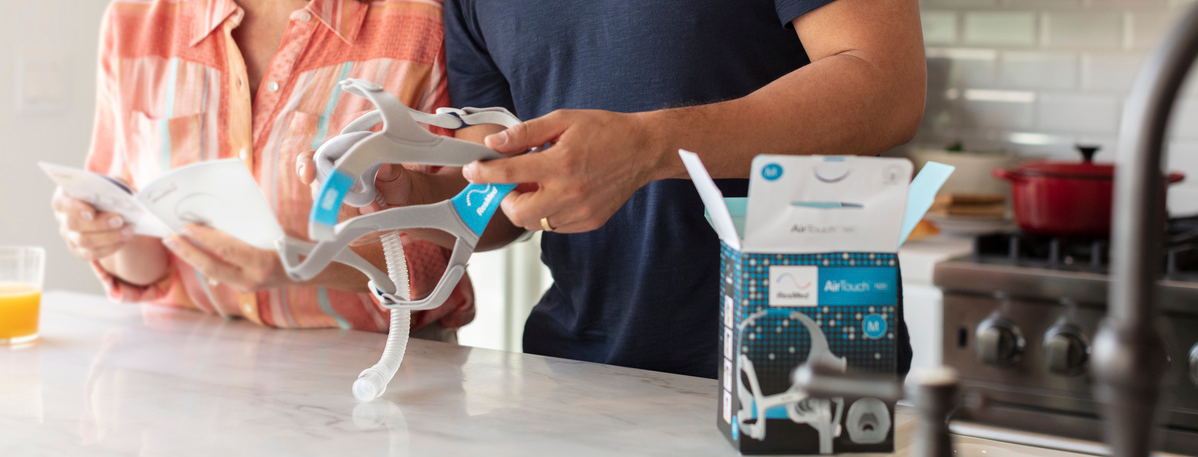
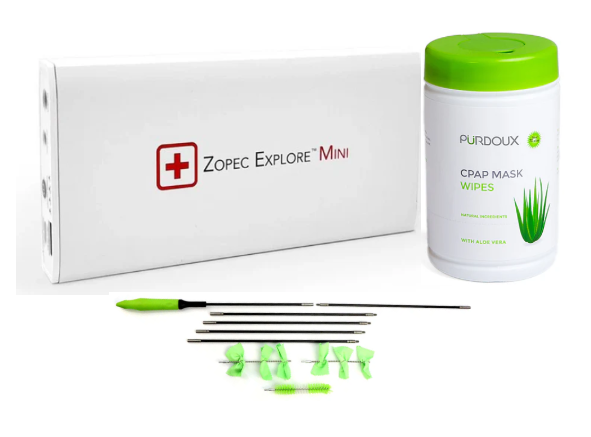
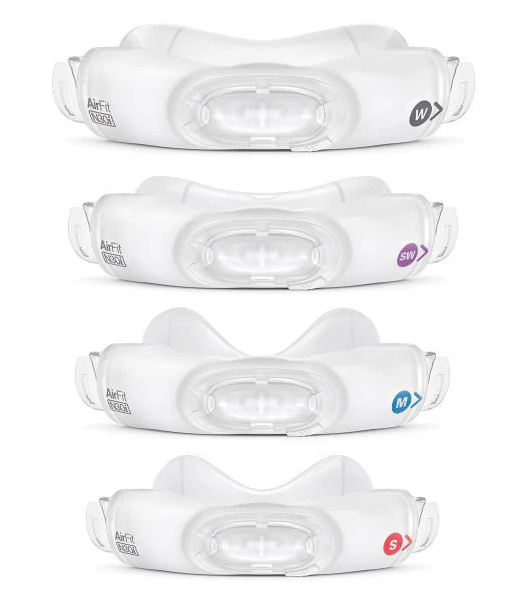

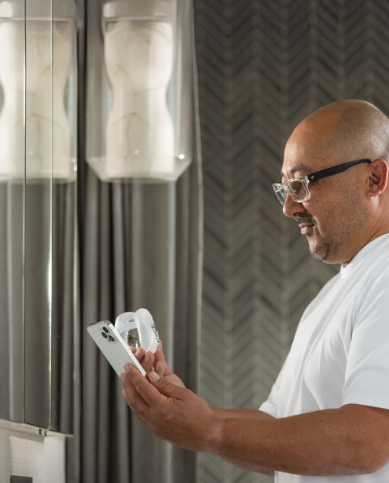
The Fisher & Paykel myMask™ App is your step-by-step guide to selecting a suitable CPAP mask from the comfort of your home.
Choosing the best mask for you
The F&P myMask™ App is designed to help you select, size, and set up your Fisher & Paykel CPAP mask with confidence.
This easy-to-use app guides you step-by-step through mask selection, sizing, fitting, and ongoing support.
How It Works
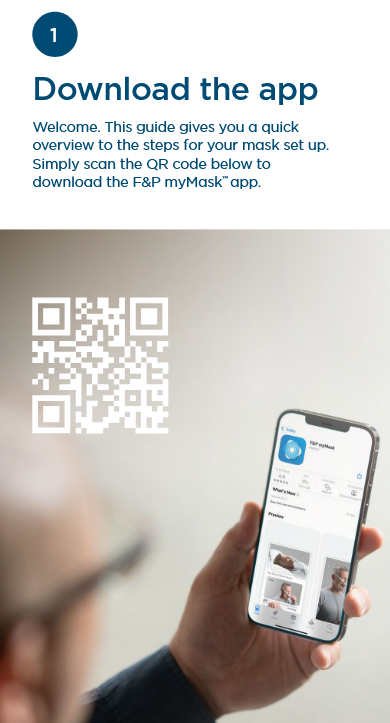
1. Download the App
Scan the QR code or visit:
fphcare.com/mymask

The app provides a quick overview of the steps for mask setup.
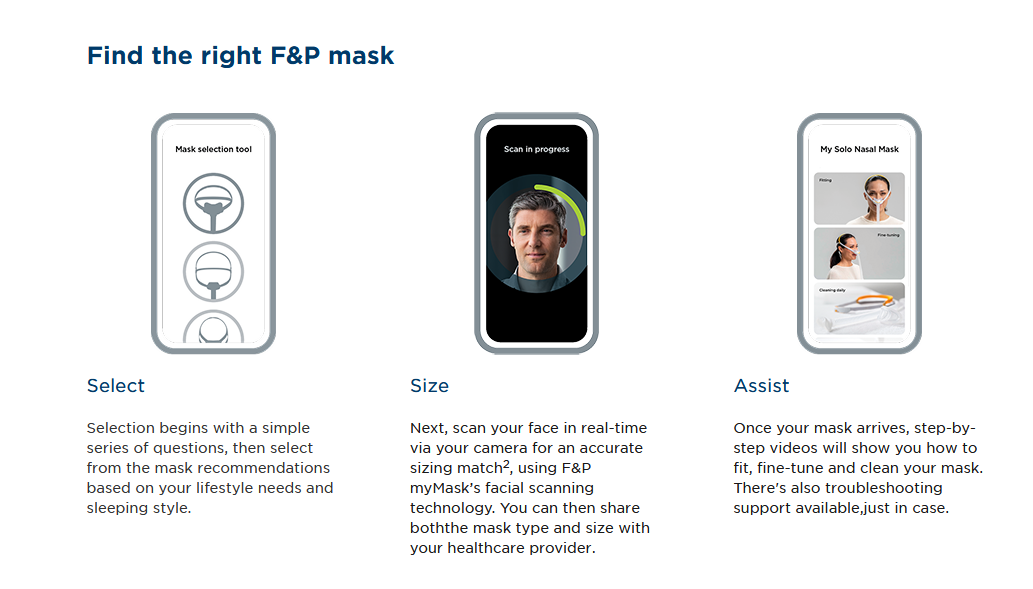
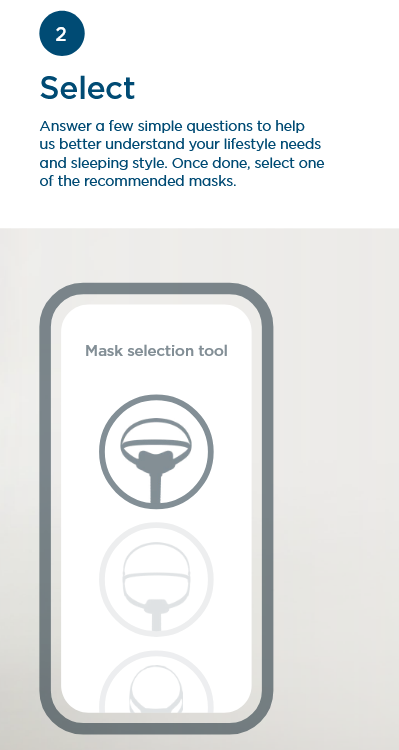
2. Select
Answer a few simple questions about your lifestyle needs and sleeping style.
The app will recommend suitable mask options.
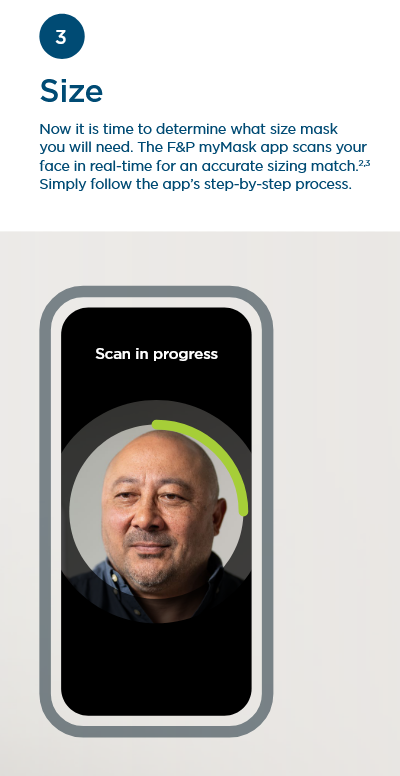
3. Size
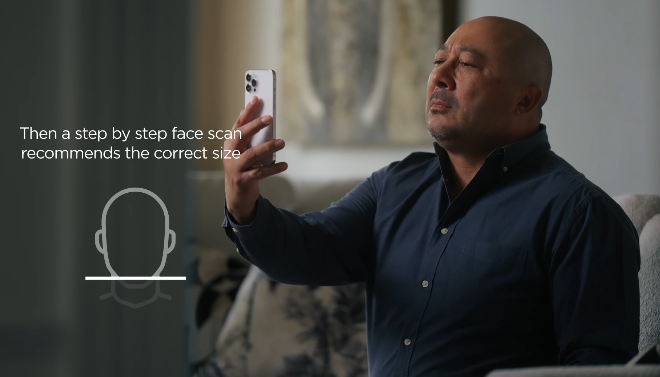
The F&P myMask app scans your face in real time to determine your recommended mask size.
Simply follow the step-by-step process within the app.
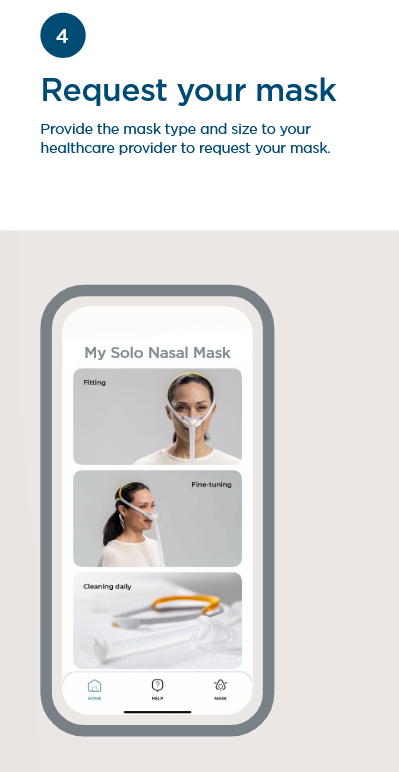
4. Request Your Mask
Once you receive your recommended mask type and size, contact us and we will be happy to assist you with placing your order over the phone, or you can purchase the mask directly through our website if you prefer to order online. Many of these masks also include printable size guides so you can double-check your sizing before completing your purchase for added confidence.
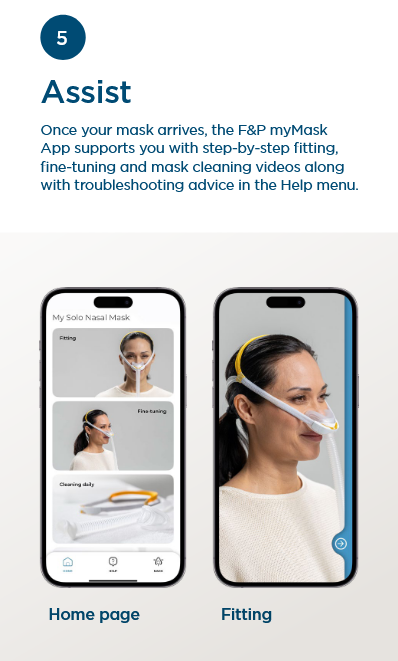
5. Assist
Once your mask arrives, the app supports you with:
- Step-by-step fitting guidance
- Fine-tuning instructions
- Mask cleaning videos
- Troubleshooting support in the Help menu
Ongoing Support at Your Fingertips
The F&P myMask™ App includes:
- Mask fitting walkthroughs
- Fine-tuning guidance
- Cleaning instructions
- Help and troubleshooting resources
Note: The median sizing accuracy of the F&P myMask™ App compared to manual measurements is 93%, based on an internal validation study conducted by Fisher & Paykel Healthcare
Choose options